

Documenting A/B Test Variants with Before/After Screenshots
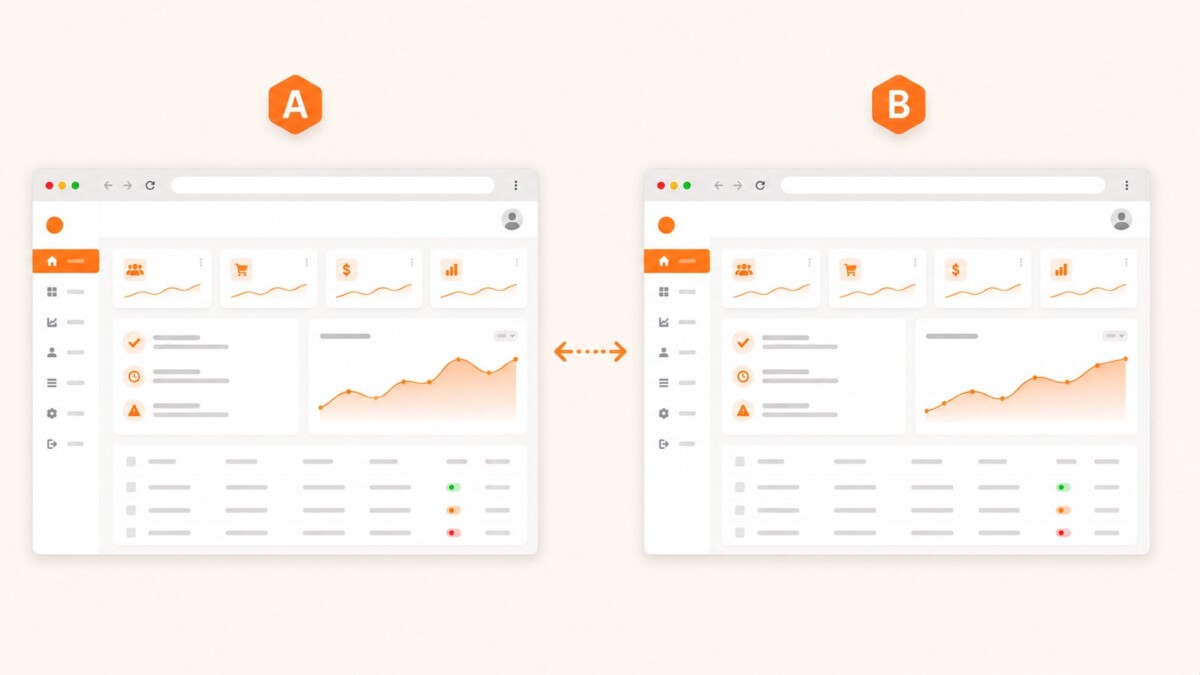
A quarter after an experiment ends, someone always asks “what did variant B actually look like?” The experimentation platform has the conversion numbers, but rarely a visual record — and by then the variant code has been cleaned up, the feature flag removed, and nobody can pull it back up to check…
A quarter after an experiment ends, someone always asks “what did variant B actually look like?” The experimentation platform has the conversion numbers, but rarely a visual record — and by then the variant code has been cleaned up, the feature flag removed, and nobody can pull it back up to check.
Capturing both variants visually the moment an experiment launches solves that gap, and it doubles as a much clearer artifact for a growth review than a table of percentages next to a vague variant name.
Capturing Both Variants at Launch
Most experimentation platforms let you force a specific variant via a query parameter or cookie for QA purposes. Use that to capture each variant on its own:
curl --request POST
  --url https://api.prod.ss.snapshot-site.com/api/v1/screenshot
  --header 'Content-Type: application/json'
  --header 'x-snapshotsiteapi-key: YOUR_API_KEY'
  --data '{
    "url": "https://example.com/pricing?variant=control",
    "format": "png",
    "width": 1440,
    "fullSize": true,
    "hideCookie": true
  }'
Repeat with ?variant=treatment (or whatever your platform’s forced-variant parameter is called) for the second capture. Two clean, dated screenshots, one per variant, taken the moment the experiment goes live.
Generating a Visual Diff Between Variants
Beyond two side-by-side images, a v3/compare call between the two variant URLs produces a diff image and a mismatch percentage — useful context when a small copy change turned out to move a metric more than expected, or when a “minor” variant was actually a bigger visual change than the experiment brief described:
curl --request POST
  --url https://api.prod.ss.snapshot-site.com/api/v3/compare
  --header 'Content-Type: application/json'
  --header 'x-snapshotsiteapi-key: YOUR_API_KEY'
  --data '{
    "before": {"url": "https://example.com/pricing?variant=control", "width": 1440, "fullSize": true, "hideCookie": true},
    "after": {"url": "https://example.com/pricing?variant=treatment", "width": 1440, "fullSize": true, "hideCookie": true},
    "threshold": 0.1
  }'