

Introducing Contests and Tournaments: New ways to practice and compete in AWS Card Clash
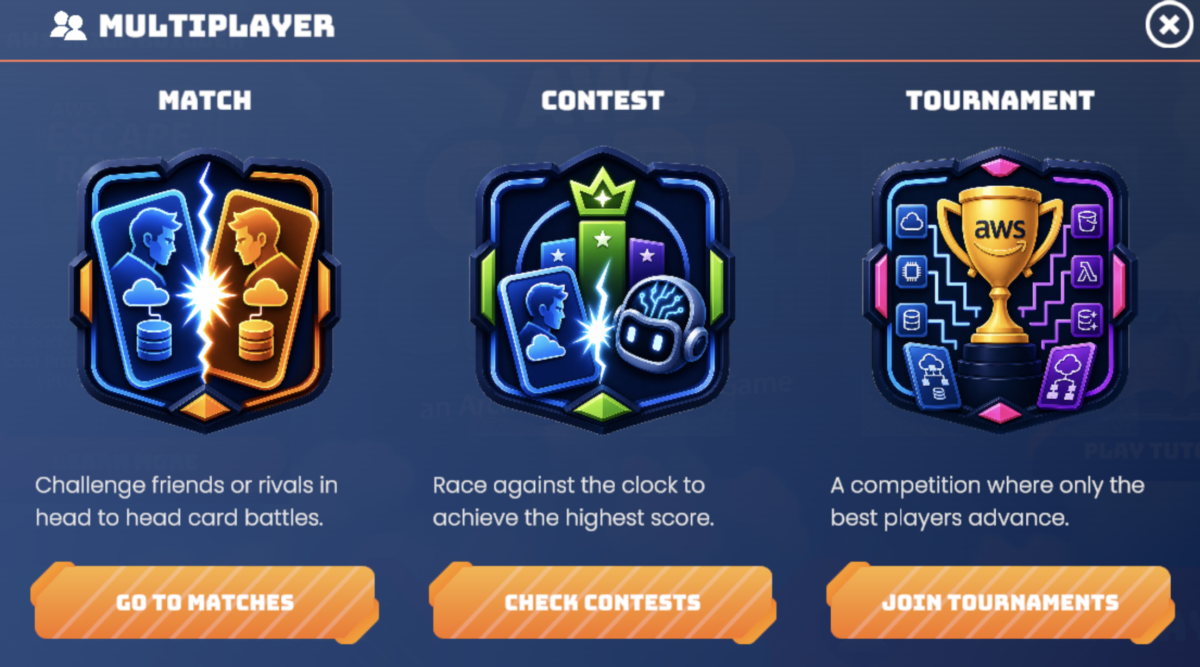
Today, we’re excited to introduce Contests and Tournaments, two ways to turn that individual learning experience into a shared competitive event… Tournaments bring players together for direct player-versus-player bracket competition… Tournaments: direct competition for live moments Tourn…
Cloud learning is more effective when learners can apply what they have learned, compare approaches with others, and choose an experience that fits the moment. Sometimes a team needs a flexible challenge that participants can complete across a week or across time zones. Other times, a community wants the energy of direct competition, a live bracket, and a shared final.
AWS Card Clash is a free, mobile-first Architecture Design Game on AWS Skill Builder. Players deploy AWS service cards into missing architecture slots to complete real-world solution diagrams. Today, we’re excited to introduce Contests and Tournaments, two ways to turn that individual learning experience into a shared competitive event.
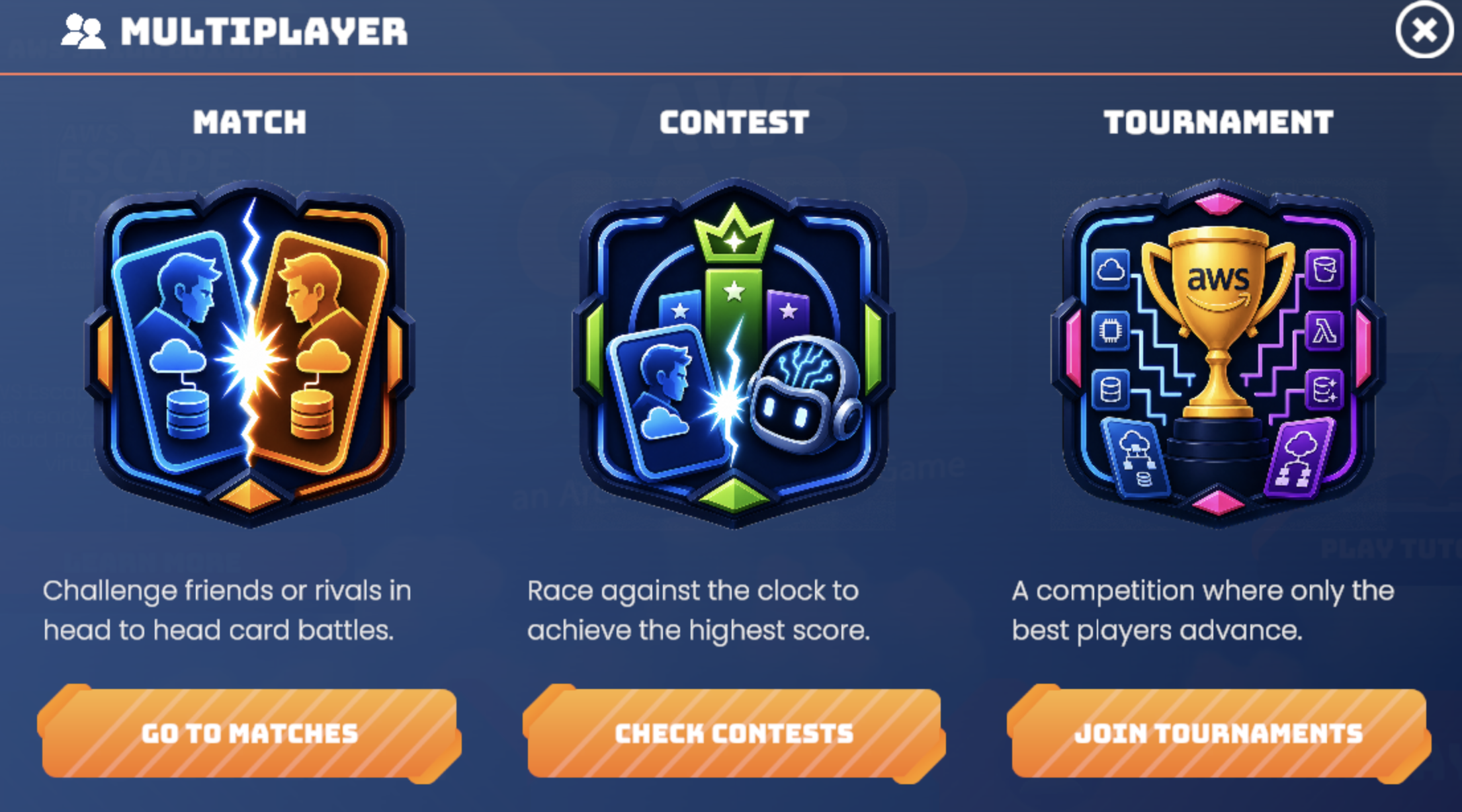
Contests give learners a structured, AI-based leaderboard challenge they can complete during an event window. Tournaments bring players together for direct player-versus-player bracket competition. Used independently or together, they help learning leaders create an experience that matches their audience, schedule, and goal. You can use an AWS Skill Builder account to join either experience.
Contests: shared practice that fits the event
A Contest is a time-boxed Card Clash event in which every participant plays the same set of architecture challenges against the AI. The organizer chooses the architecture pool when creating the event, and participants work through it in the same sequence. This creates a common learning journey while giving each participant time to complete the challenge during the event window.
The competitive element stays focused on mastery. After completing every assigned architecture once, you can replay any architecture to improve their result. For each architecture, only the participant’s best winning attempt contributes to the leaderboard. Rankings use total stars first, then total quality score, then earlier completion time. In other words, learners can practice and improve without turning repeated attempts into an advantage on their own.
Contests work well when a group wants a shared learning challenge but does not need everyone to be online at the same time. A training leader can run a Contest for a cohort after an architecture learning program. A community organizer can give participants a window to compare their skills across a set of challenges. A distributed team can create a common goal while allowing each learner to participate on a schedule that works for them.
Tournaments: direct competition for live moments
Tournaments give communities a direct player-versus-player competition experience. Instead of comparing results on a leaderboard, players face one another in bracket matches and advance by winning.
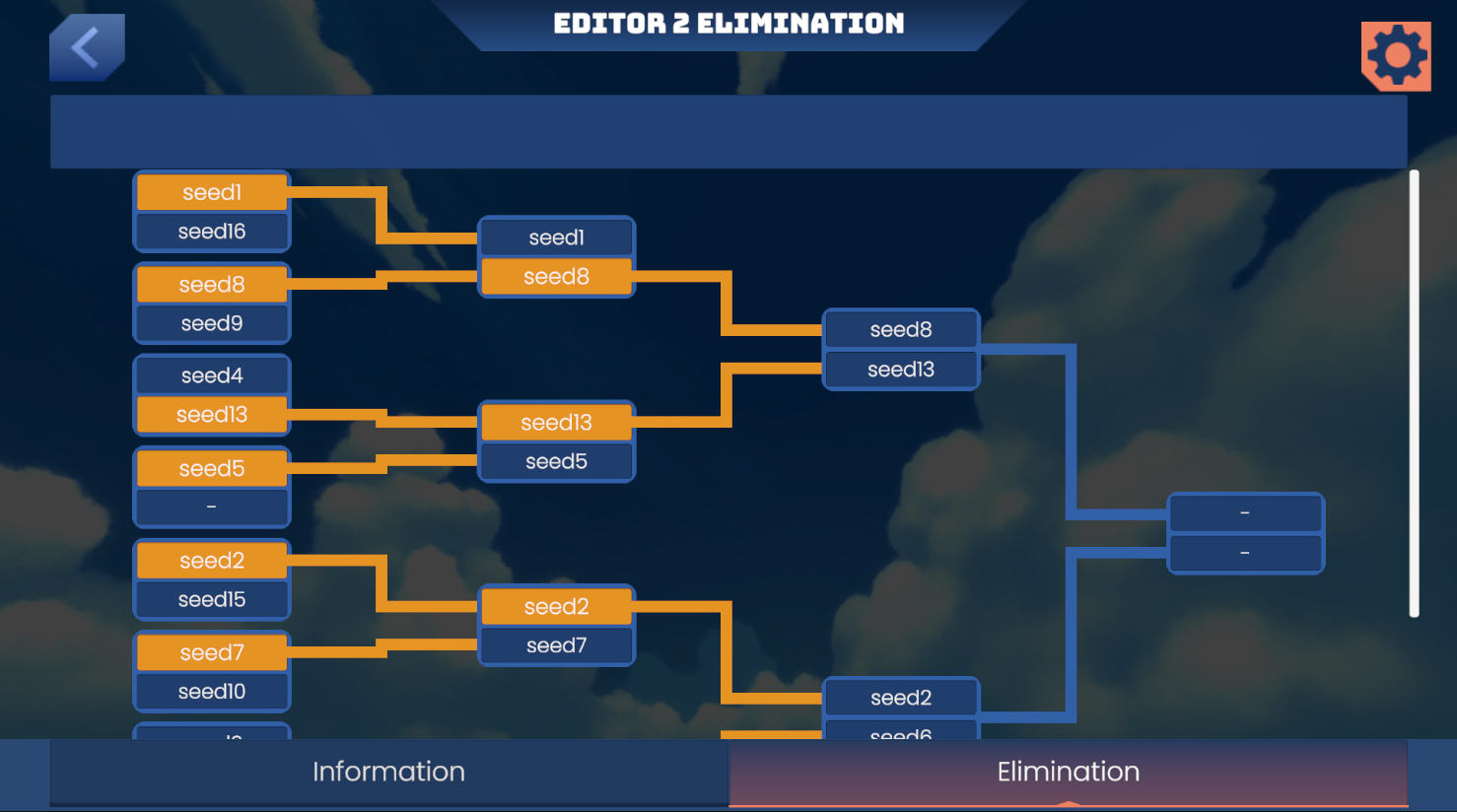
The default Tournament structure starts with a Swiss phase and then moves to an elimination bracket. Organizers can also use Swiss-only or elimination-only play, with rounds sized for the player count. This gives organizers flexibility to use Tournaments for a focused live session, a community activation, or a larger competitive event.
Tournaments support public events, recurring public events, private-open events joined with a code, and private-closed events for a defined audience. Events can be virtual or in person, and can be open to a broad audience or restricted to an organization. Tournament registration uses an AWS Skill Builder account, connecting each participant’s event experience to a learner profile.
For semifinals and finals, organizers can stream a Tournament match to a watch party with observer mode. The watch-only view hides both players’ hands, so an audience can follow the competition without exposing private in-game information.
Arcade Mode: a polished in-person Tournament experience
Arcade Mode is the in-person delivery layer for Tournaments at summits, conferences, campus days, and internal builder meetups. It is not a separate competitive system: players at dedicated stations play the same head-to-head matches and use the same pairing, bracket, round-advancement, scoring, and no-show handling that power the online Tournament experience.
Between matches, each station remains locked and displays a short-lived check-in code. Players register with an AWS Skill Builder account before playing, then use that same authenticated Card Clash app identity to join the event and enter the station’s code for their current-round pairing. The station unlocks and loads the match when check-in succeeds. When the pairing resolves, whether through a completed match or the Tournament’s no-show handling, the station automatically re-locks for the next player.
For organizers, Arcade Mode removes much of the manual work of running an on-site competition. Organizers can register stations one at a time or in bulk from a floor file, add players, and let the Tournament engine run the competition. The admin experience provides station lock states and aggregate station-state counts, and lets staff force-relock a stuck station when needed. Pairings, scoring, standings, and round progression stay in sync automatically, so organizers can host a polished event without manual scorekeeping.
Two distinct experiences, one learning journey
Contests and Tournaments solve different needs. Use a Contest when learners need a flexible, AI-based challenge that supports practice and recognizes demonstrated mastery. Use a Tournament when the goal is a live, direct competitive experience where players face one another in a bracket.
Both event experiences can also extend learning beyond the event itself. Contest and Tournament play unlocks single-player campaign progression, so participants can leave with new levels unlocked and continue their solo learning journey afterward.
The two experiences can work together as well. For example, an organization can run a Contest for a cohort over several days, then use the Contest or campaign leaderboard to seed an elimination Tournament. This creates a progression from individual practice, to shared comparison, to a live competitive final.
A community event might take the opposite approach: begin with a Tournament to create immediate energy, then invite participants to continue building their skills through Contest challenges. The right format depends on whether the learning moment calls for flexible practice, direct competition, or both.
Get started
Start with the experience that matches your objective. Create a Contest when your learners need a shared set of architecture challenges and the flexibility to participate during an event window. Choose a Tournament when your community is ready for direct bracket competition.
Whether your goal is to encourage practice, create a team challenge, or celebrate the best players in a live final, Contests and Tournaments give AWS Card Clash new ways to turn learning into a shared experience and help learners carry that momentum into their own campaign journey.
Ready to play?
- Play on the web: Visit AWS SkillBuilder.
- Get the mobile app: Download AWS Card Clash from the Apple App Store, Google Play, or the Amazon Appstore.
Author: Curtis Morton