

Snapshot Site vs ApiFlash
ApiFlash is the most focused product in this comparison series… Price firstAt the entry level these two are effectively identical: ApiFlash Lite is $7 for 1,000 captures, our Pro is €7 for 1,000… ApiFlash Medium is $35 for 10,000 captures; Snapshot Site Ultra is €20 for 15,000… Note tha…
ApiFlash is the most focused product in this comparison series. One endpoint, query parameters, an image back. No platform to learn, no SDK required, and the lowest paid entry price of any screenshot API we have looked at. If your requirement is “turn this URL into a PNG”, it is a genuinely good answer and this article is not going to tell you otherwise.
The comparison gets interesting at the edges — specifically when the work stops being about producing an image and starts being about what the image tells you.
Price first
At the entry level these two are effectively identical: ApiFlash Lite is $7 for 1,000 captures, our Pro is €7 for 1,000. Nobody should switch for that.
The divergence appears one tier up. ApiFlash Medium is $35 for 10,000 captures; Snapshot Site Ultra is €20 for 15,000. Note that we read ApiFlash’s figures from the plans section of their home page — /pricing returned a 404 when we checked — and that the currencies differ with no conversion applied.
Two APIs, both simple
ApiFlash: GET https://api.apiflash.com/v1/urltoimage?access_key=…&url=…&format=png. The response is the image, or a JSON envelope if you add response_type=json.
Snapshot Site: POST /api/v2/screenshot with a JSON body and your key in the x-snapshotsiteapi-key header. The response is always JSON with a link to the produced file.
The render controls line up closely — full_page becomes fullSize, no_cookie_banners becomes hideCookie, element_to_hide becomes hide, and delay is in seconds on both sides. Migration is typically an hour including tests. The ApiFlash alternative page has the full parameter mapping.
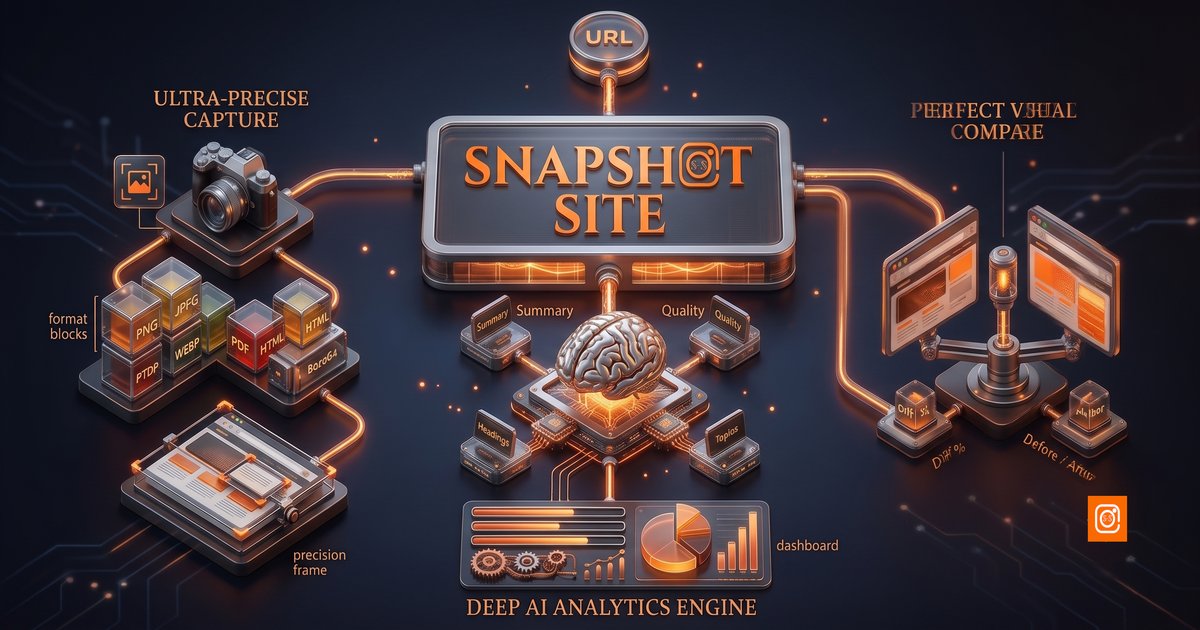
Where the shapes differ is what else exists. ApiFlash’s surface is one endpoint. Ours is three: capture, compare, analyze.
What the extra two endpoints are for
POST /api/v3/compare takes a before URL and an after URL and returns summary.mismatchPercentage, the dimensions of both renders, and a diff.link image with the changed pixels marked.
The reason this matters is that comparison is the single most common thing people build on top of a capture API, and it is deceptively expensive to build. Not the diffing itself — image comparison libraries are mature — but everything around it: durable baseline storage, identical settling behaviour on both captures, handling pages that changed height, and threshold tuning against the discovery that the change you care about (a price, a date, a clause) moves a fraction of a percent of the pixels while a rotating hero image moves several percent.
POST /api/v3/analyze renders a page and returns a summary and topics, quality signals — blank page, CAPTCHA present, HTTP status, readability score — and the page’s metadata.
The quality signals are the part that quietly earns its place in production. Every automated capture pipeline eventually accumulates a run of bot-challenge screenshots that nobody noticed, because the capture succeeded — a valid PNG was produced, the job went green, and the image was of a wall. Checking quality.hasCaptcha and quality.isBlank turns that into an alert instead of a gap in an archive.
Neither capability is documented on ApiFlash. You can build both on top of any capture API; the question is whether you want to own them.
Output formats
ApiFlash’s plan features list PNG, JPEG and WebP. PDF was not documented in the API reference we reviewed, so we make no claim either way — check their current docs before relying on it.
Snapshot Site returns PNG, JPEG, WebP, PDF and HTML from the same endpoint. Two of those deserve a note.
PDF matters for anything with an audit or reporting requirement — invoices, compliance archives, board reports. Getting a real PDF from the renderer rather than converting an image afterwards preserves selectable text.
format: html returns the complete rendered DOM, which is the foundation of every extraction workflow we publish. Render the page, strip scripts and styles, hand the cleaned markup to a model with a schema, and you get structured records out of sites that have no API. Our business directory extractor is that pattern end to end.
AI access
We could not find an official MCP server for ApiFlash at the time of writing.
Snapshot Site runs a hosted one at mcp.snapshot-site.com/mcp with OAuth sign-in. Paste the URL into Claude Code, Cursor, Codex or ChatGPT, approve access, and screenshot, analyze and compare become tools the assistant can use directly. Because it is hosted and account-based, there is no local process to keep running and no API key to copy onto every machine that needs it — adding a teammate is an approval, and removing one is a revocation rather than a key rotation.
If your automations live in n8n rather than in code, our node is verified by n8n and the template gallery has ready-made monitoring and extraction workflows.
Where ApiFlash has the edge
S3 export on every plan. Writing captures straight to your own bucket is included from the free tier up. We return a link to the produced file, which you download and store wherever you like — if pushing directly to a bucket with no intermediate step is a hard requirement, that is a point in their favour.
That is the list. On price the two products are level at the entry tier and ours pulls ahead one step up, and on API surface the capture call here is as short as theirs — the difference is only what else is available when the requirements change.